
Less bitrate. A detailed comparison.
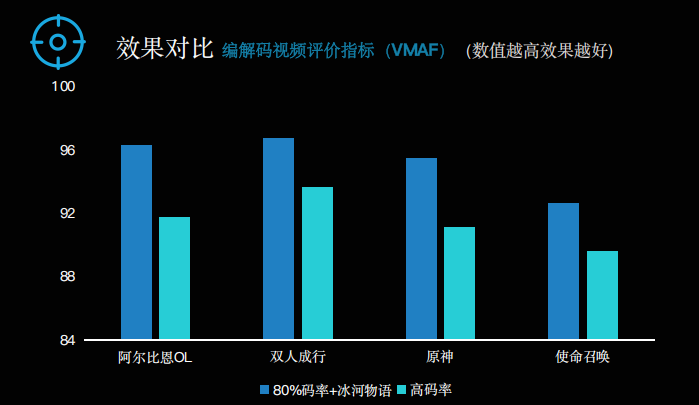
Four scenes use the 0.5× bitrate setting; cloud desktop uses 0.7×. The scores below are transcribed from the source chart.

Explore restoration through picture detail, bitrate comparisons and complete video examples.
Explore the resultsBitrate, picture quality and energy use, presented together from the supplied materials.
Four scenes use the 0.5× bitrate setting; cloud desktop uses 0.7×. The scores below are transcribed from the source chart.
The supplied VMAF chart compares the 80%-bitrate restoration scheme with high-bitrate video in Albion Online, It Takes Two, Genshin Impact and Call of Duty.

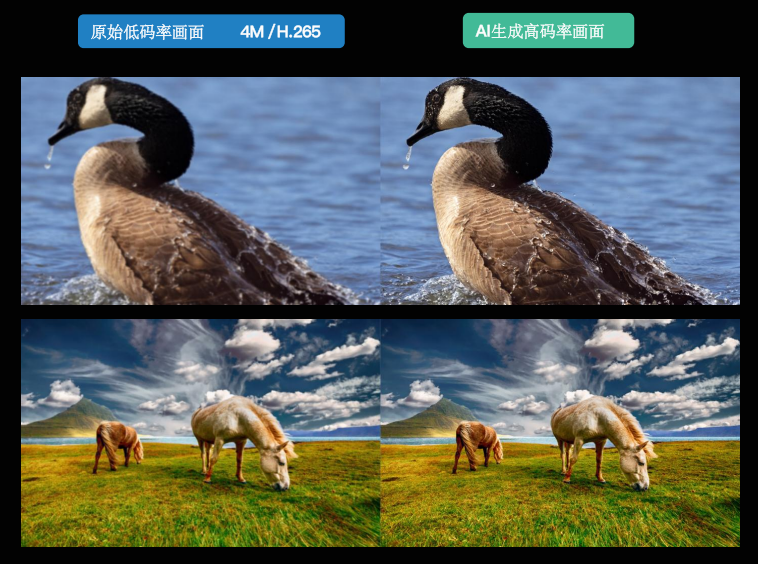
The source pairs a 4M / H.265 low-bitrate image with its AI-restored version. Compare the feather edges, water texture and detail in the grass.

The source describes an on-device SDK for live video, on-demand video, cloud games and cloud desktops, restoring detail lost in encoding and transmission.
The source describes a one-hour, 1K / 60 fps comparison across three chip platforms. The energy values below use the chart’s baseline of 100.
CPU temperature 29 → 35
CPU temperature 43 → 41
Five image categories are presented in sequence. Choose a bitrate setting within each scene and drag to compare.
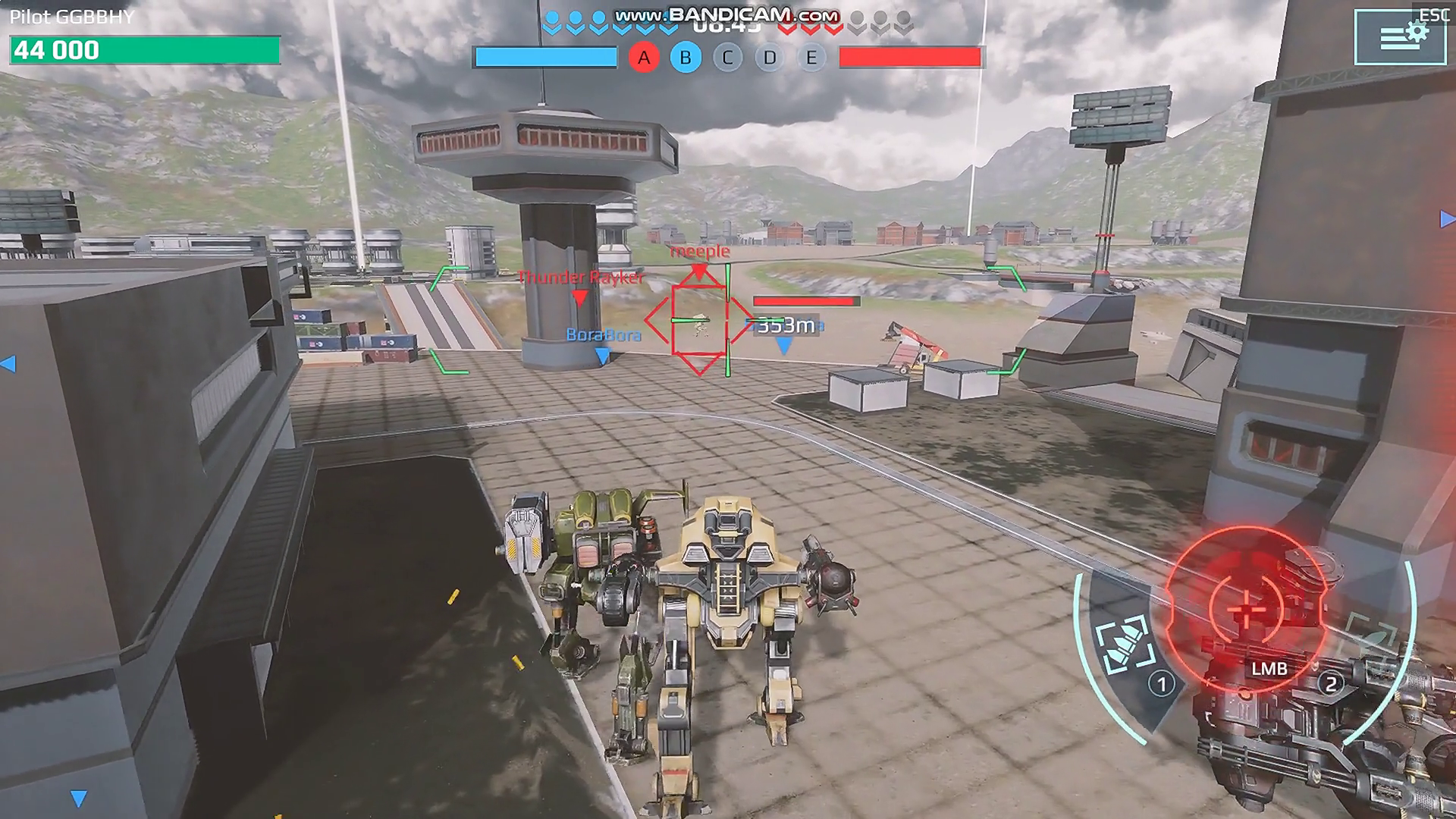
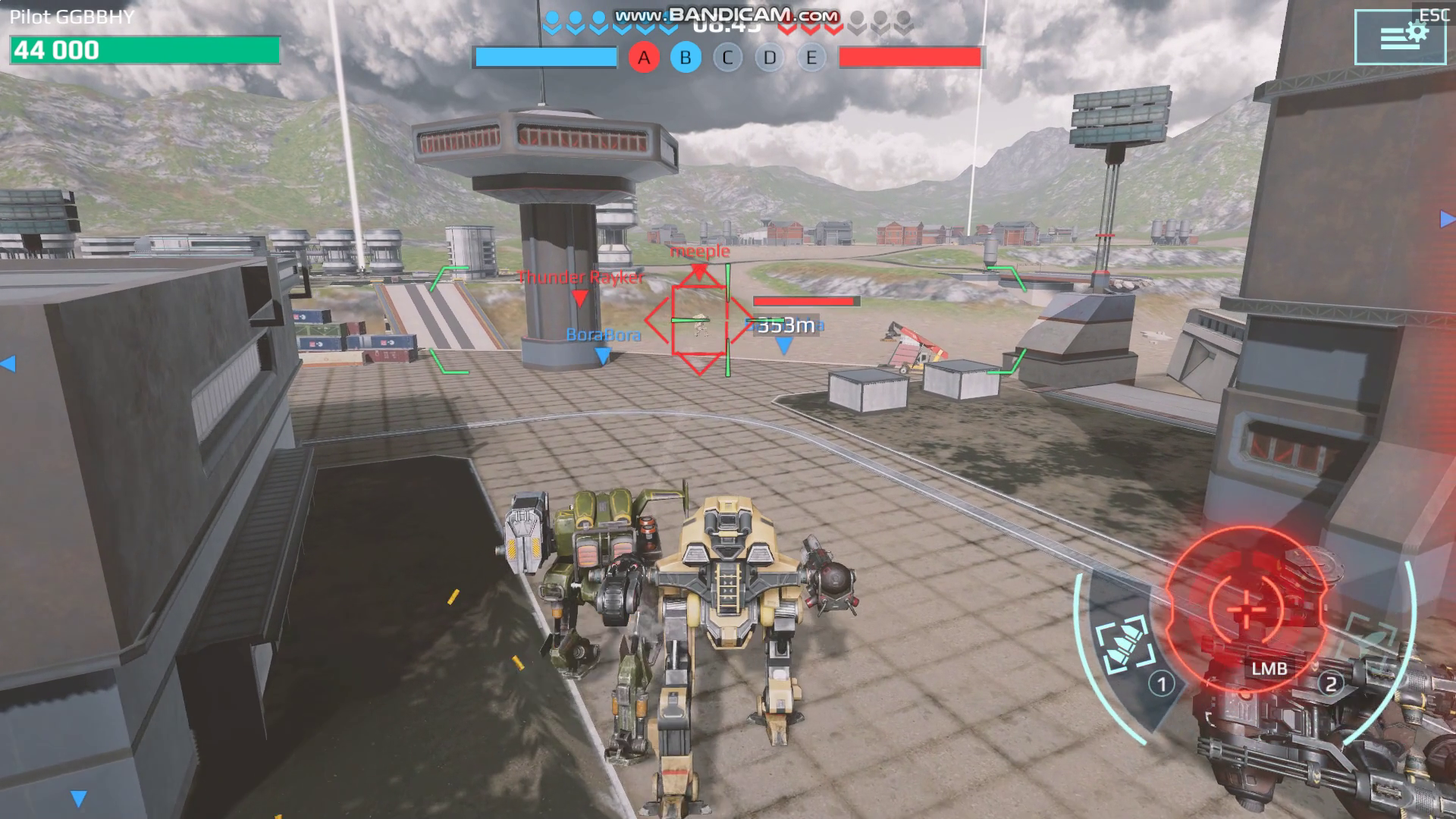
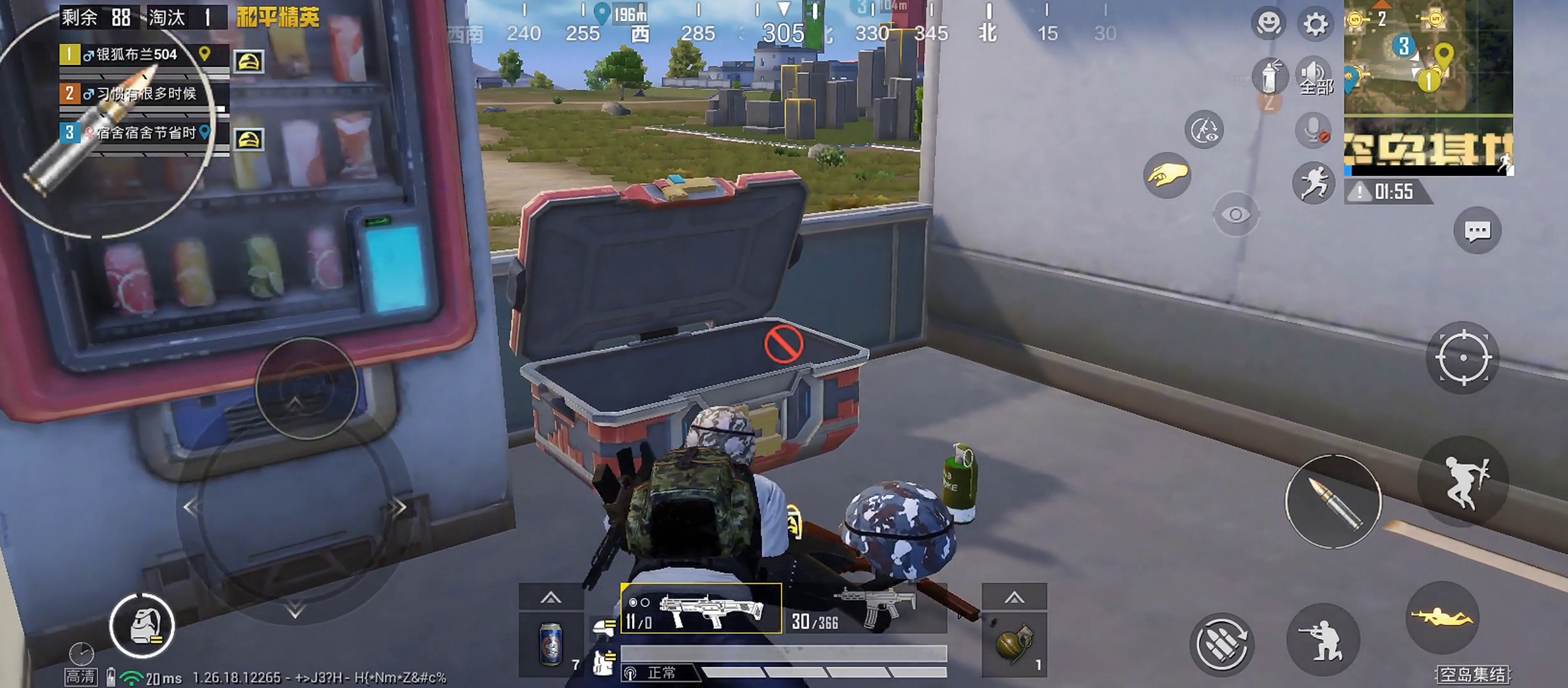
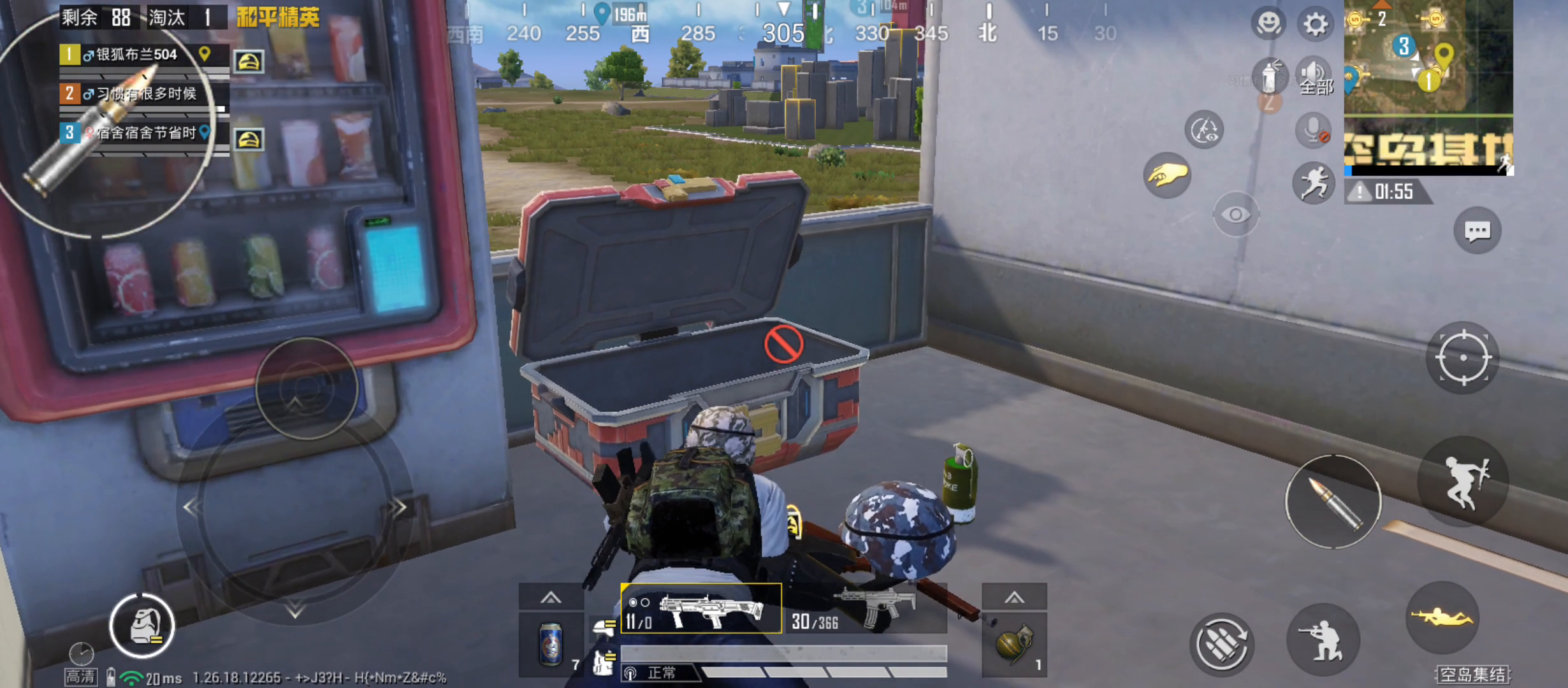
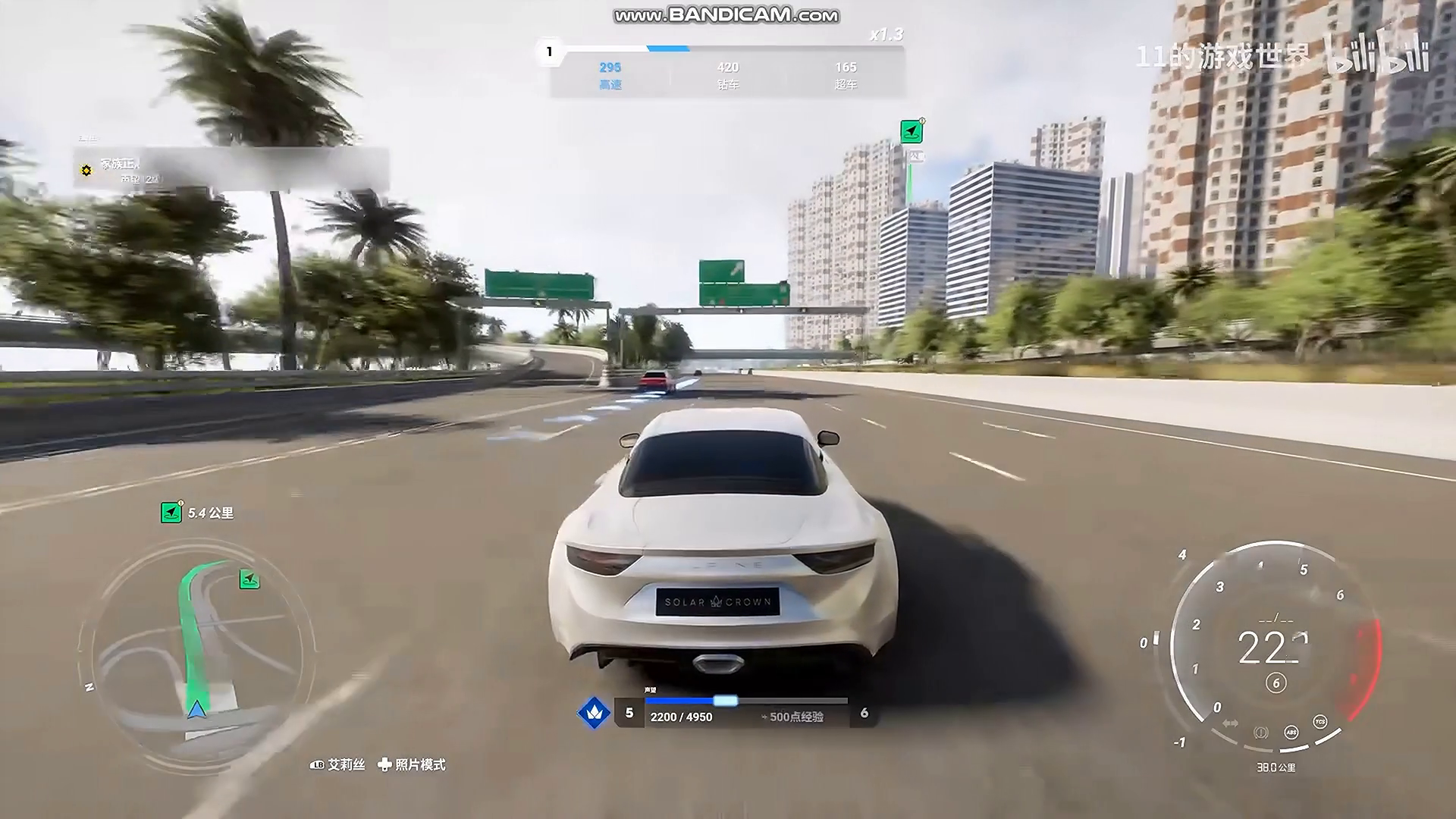
Inspect architecture, HUD text and distant edges.

INPUTOUTPUT · 0.5×Compare outlines, colour boundaries and fine shading.

INPUTOUTPUT · 0.5×Look at character detail, scene textures and the game interface.

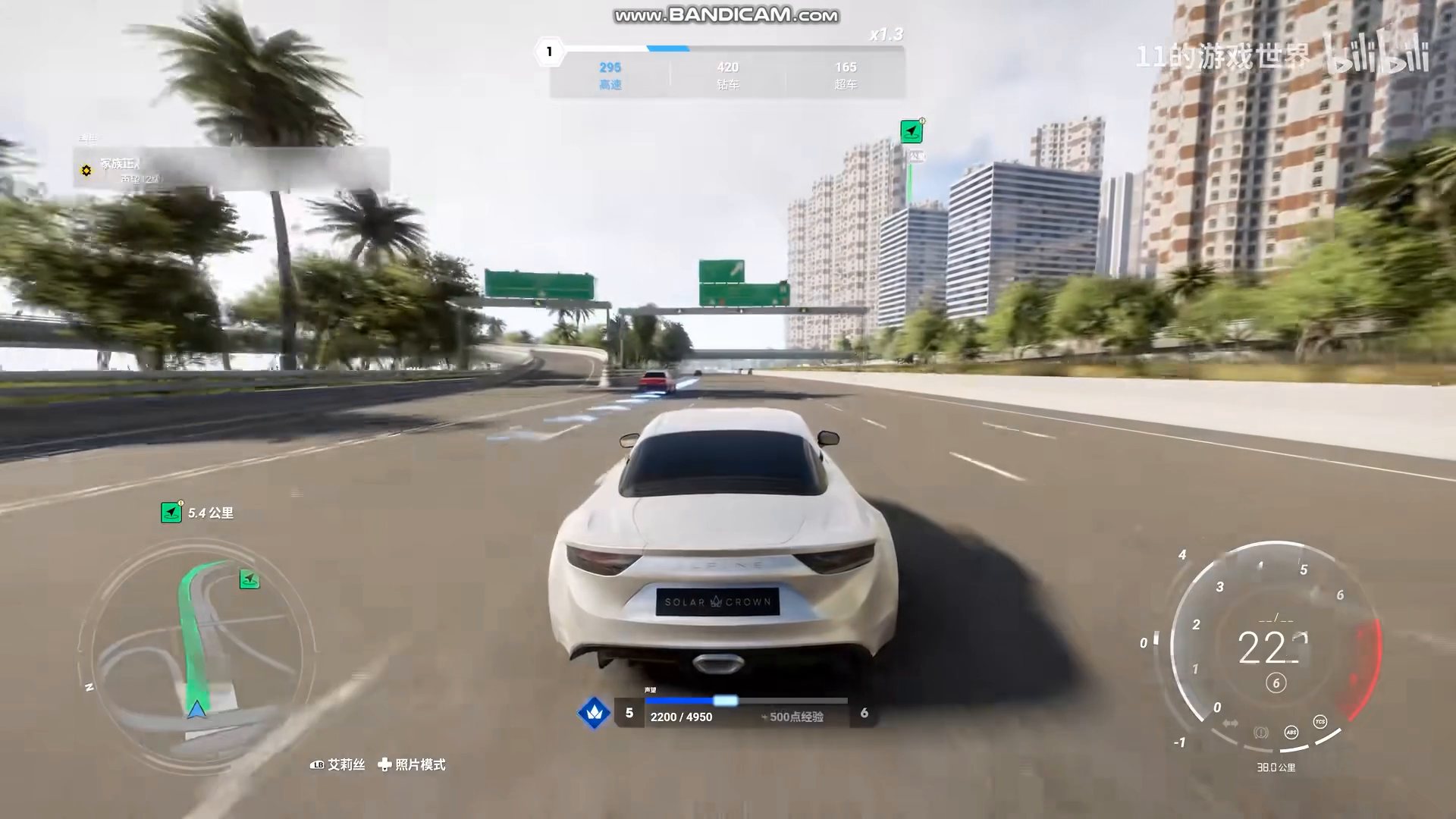
INPUTOUTPUT · 0.5×Explore textures, reflections and high-detail environments.

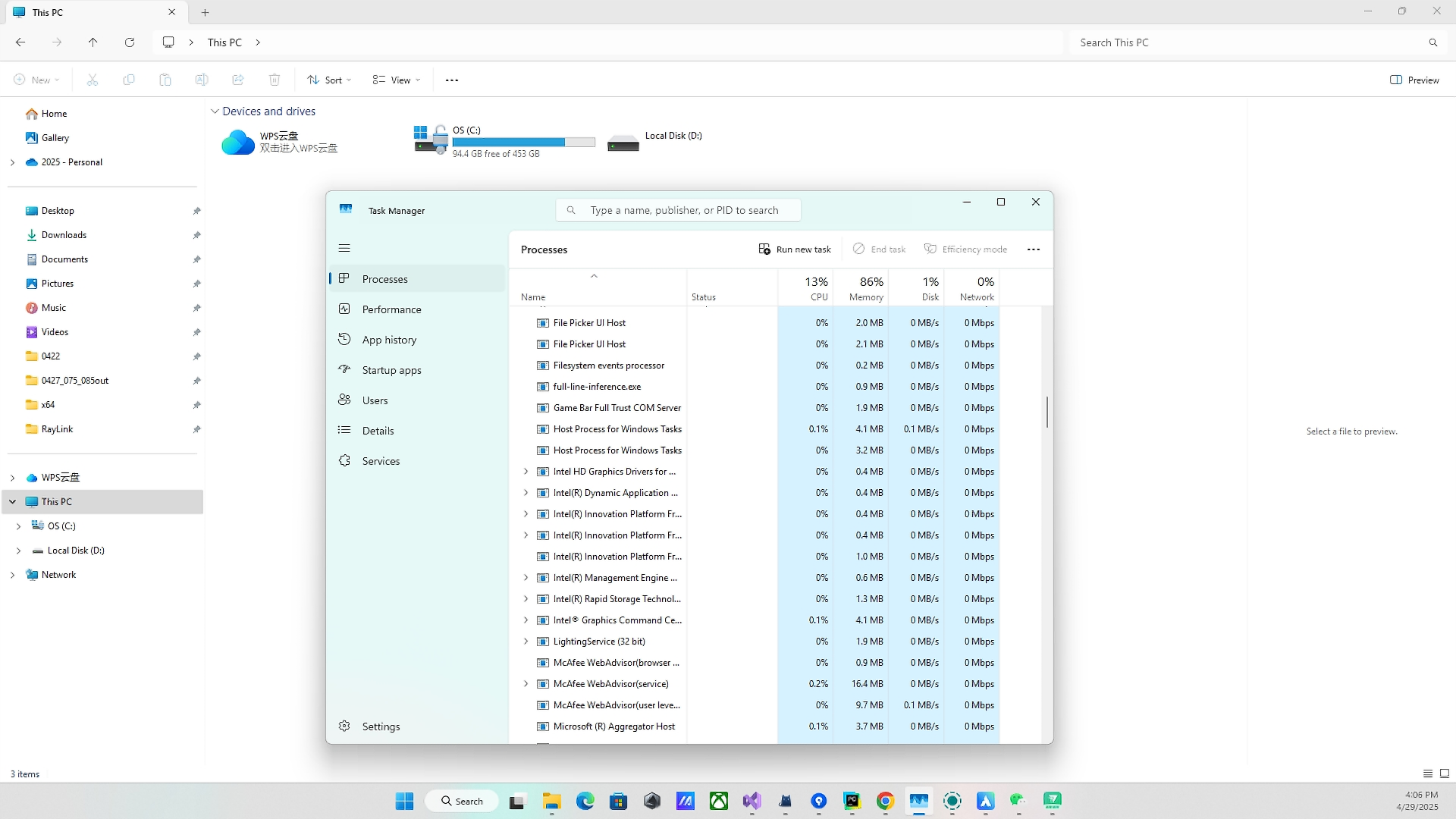
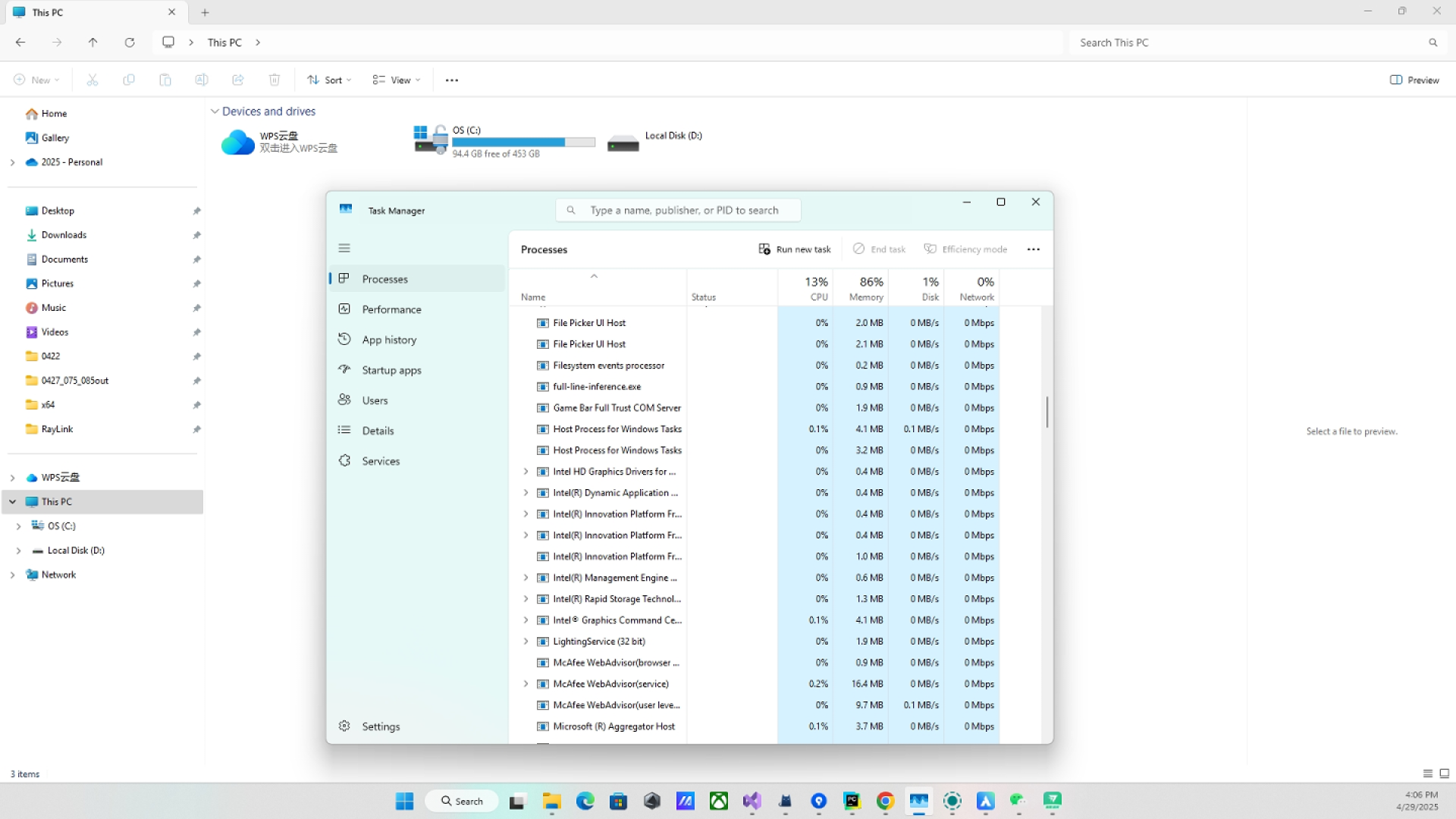
INPUTOUTPUT · 0.5×Compare desktop text and interface edges at the supplied 0.7× setting.

INPUTOUTPUT · 0.7×Every demonstration is shown below in full width. Play a lightweight preview, or download the original to inspect its full quality.
Compare the texture and detail shown in the enhancement demonstration.
Preview could not load.
Observe noise, clean surfaces and the edges that define the image.
Preview could not load.
The original and compressed files are shown in full, with their actual file sizes.
Inspect moving characters, effects and detailed environments across both clips.
Follow the outlines, textures and motion through the original and processed clips.